


 Mar 4
 Mar 7
Everything
Every feature, for every account
Free
No card needed
- Unlimited video exports
- 4K and Full HD at up to 60 fps
- Stories, feed, Full HD and 4K formats
- Every layout, map style and the globe
- No watermark
Type the places you went and add a few photos. You get an animated map video of your year, ready for Stories, Reels and TikTok.
Follow one sample year, from home in Charlotte to Lisbon, Reykjavik and Marrakech. Scroll at your own pace.
Search each place and add its dates: Lisbon in March, Reykjavik in June, Marrakech in October. The days are counted for you.
A plane flies from your home to each trip, in order. Every stop gets its name and dates, and a counter adds up your days away.
Add a whole batch at once. Each photo lands on the trip it was taken on, then plays under the map when that trip comes up.
Stories and Reels, a feed post, or YouTube in Full HD or 4K. Switch the size and the map, titles and photos re-flow to fit.
Your video downloads as an MP4, ready for Instagram, TikTok, YouTube or any other app.
Make yours freeThe frame re-cuts itself as the story moves. A panel slides up for one trip, a photo takes half the screen for the next, a row of cards pops in after that. It looks edited because it is.
Switch to the globe and long flights arc over the curve of the planet. The video opens with the Earth turning to your home town and closes on every route of your year.
Countries, states and continents fill with colour the moment each trip lands. The closing screen adds it all up: trips, days, weekdays, countries and continents.
From clean ocean blue to watercolour and paper cut-out. Every style works with every layout, the globe and your photos.
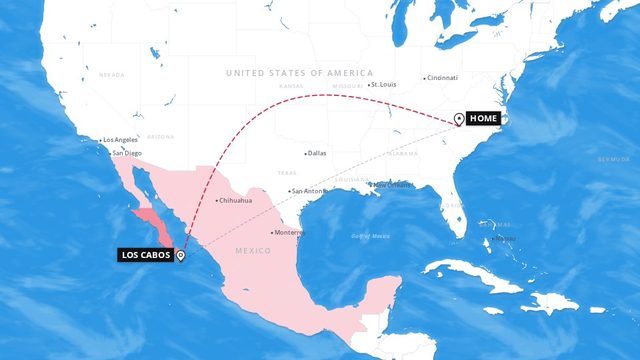
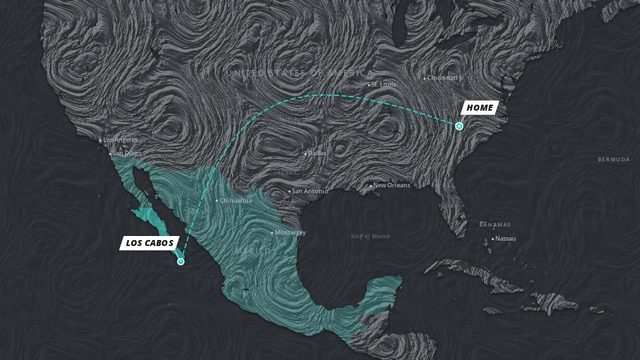
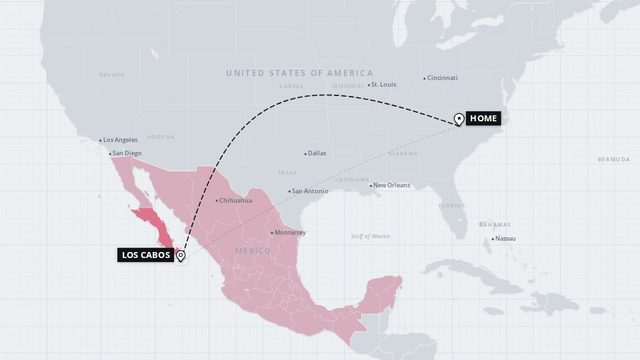
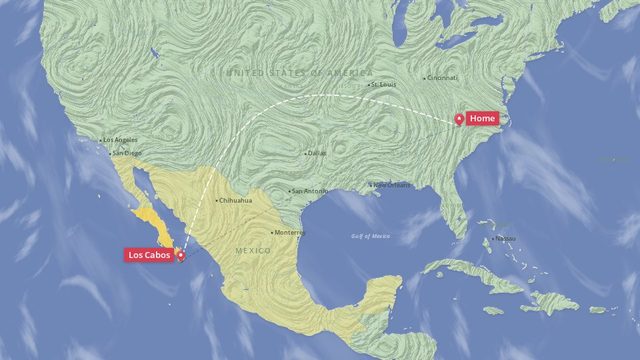
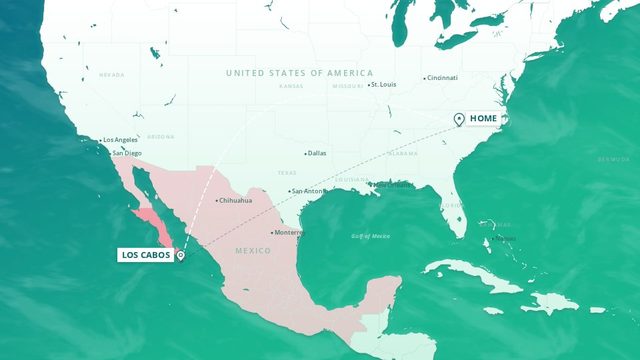
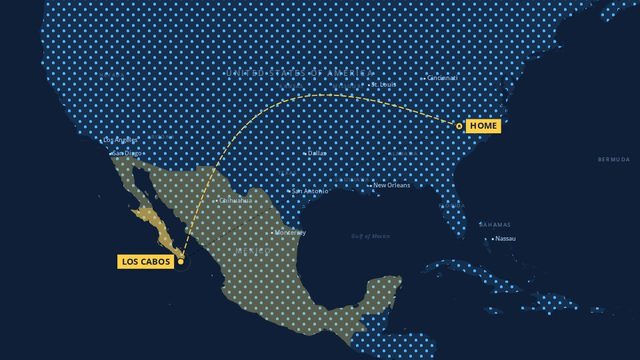
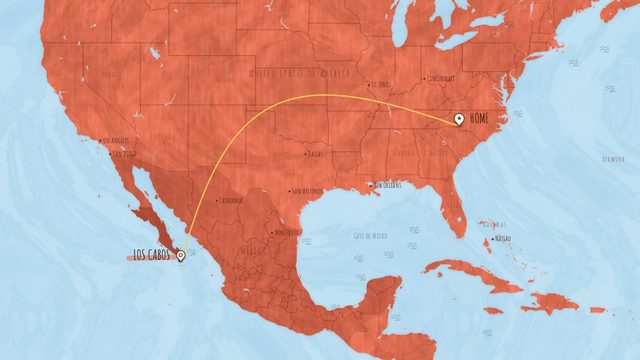
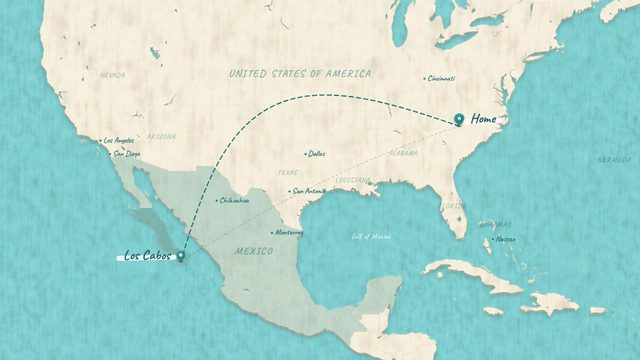
Private by design. Your photos are only used to make your video. We never store or share them.
While we're in early access, Travel Map Studio is completely free. Make as many videos as you like, in every format up to 4K at 60 fps, with no watermark and no card.
Make yours freeEvery feature, for every account
No card needed
Yes. During early access every feature is free for every account: unlimited videos in Stories, feed, Full HD and 4K at up to 60 fps, every layout and map style, and the globe. No watermark and no card. A fair-use limit of 40 exports a day keeps things fast for everyone.
Yes. Your photos are only used to make your video. We never store them, share them or use them for anything else. Your account keeps your profile, your trips (never your photos) and your export history, so you can pick up on any computer.
A laptop or desktop with the latest Chrome, Edge or Safari. Your video downloads as an MP4, ready for Instagram, TikTok, YouTube and every other app. You can preview on your phone too.
A 70-second Stories video is usually ready in a few minutes, and 4K takes a little longer. Keep the studio open until your video is ready.